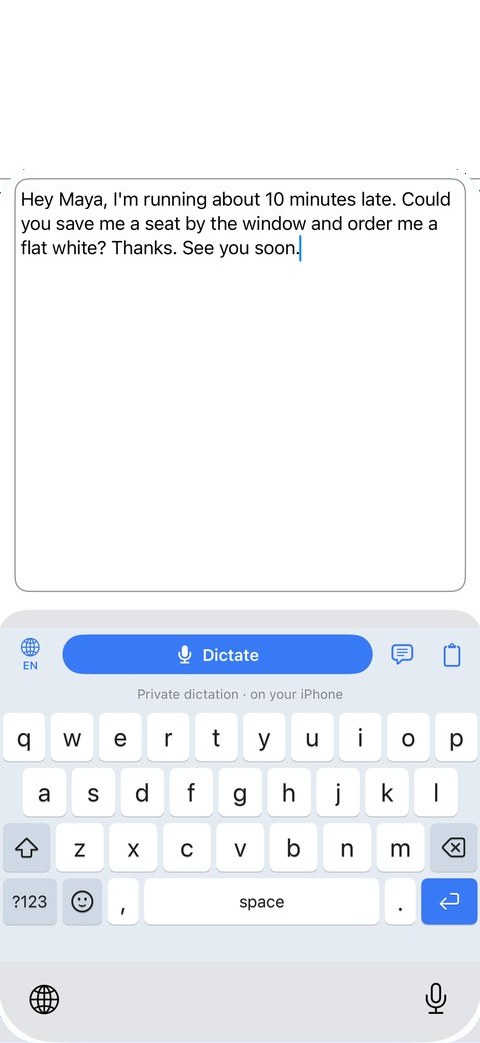
Talk instead of typing.Your voice stays on your device.
iPhone and iPad

iOS 26 or iPadOS 26 or later. The keyboard and dictation in any app.
Mac
macOS 26 or later on Apple silicon. Hold a key and talk in any app.
For iPhone, iPad and Mac → private voice to text that works offline · No account, no ads
Voice to text that never leaves your device.
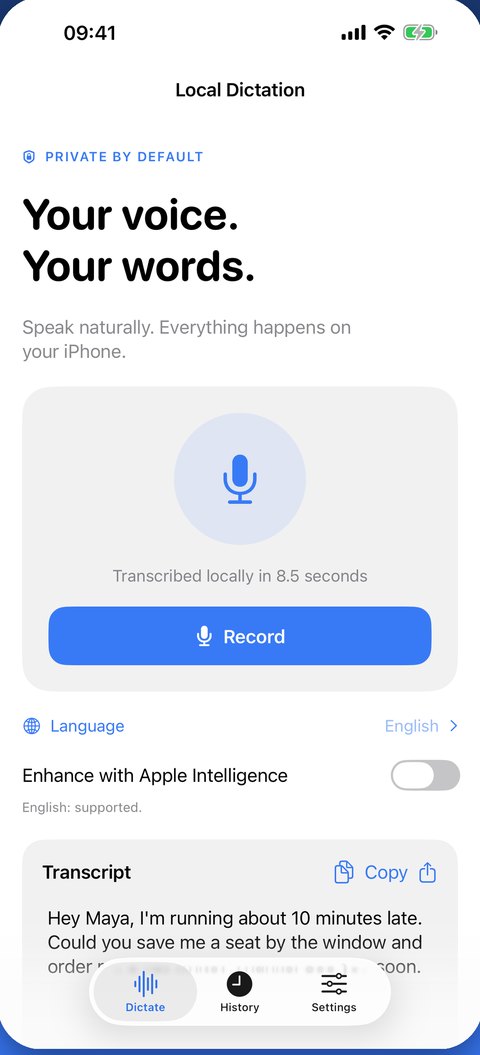
Local Dictation turns your voice into text right on your iPhone, iPad or Mac. The speech model is built into the app, so dictation works in airplane mode and nothing you say is uploaded anywhere.
Talk wherever you type
A keyboard on your iPhone and iPad, a hold key on your Mac, and a speech model that runs on your own device.
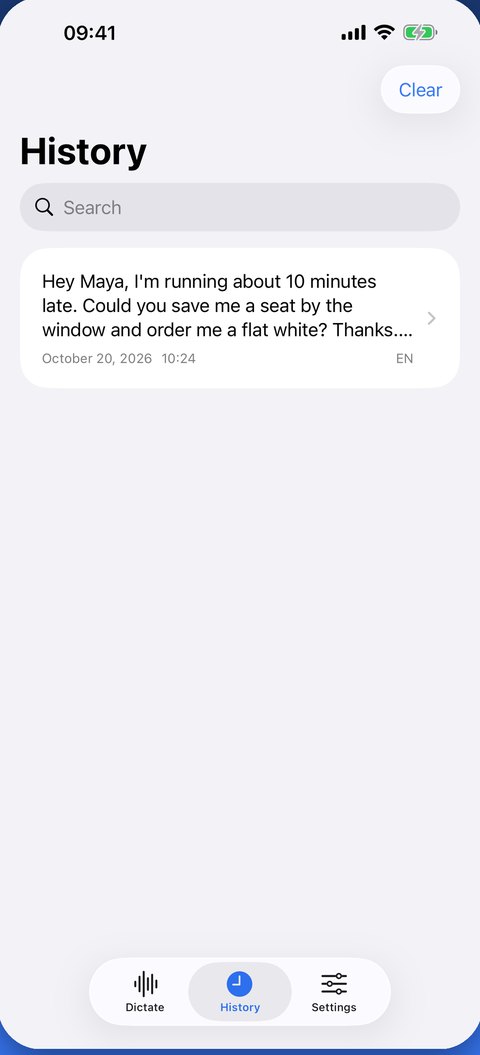
Set up in a minute
No account and nothing to sign up for. The app walks you through every step.

Turn on the keyboard
On iPhone and iPad, turn on the Local Dictation keyboard and Allow Full Access in Settings. The app opens the right page and ticks each switch once it’s on.
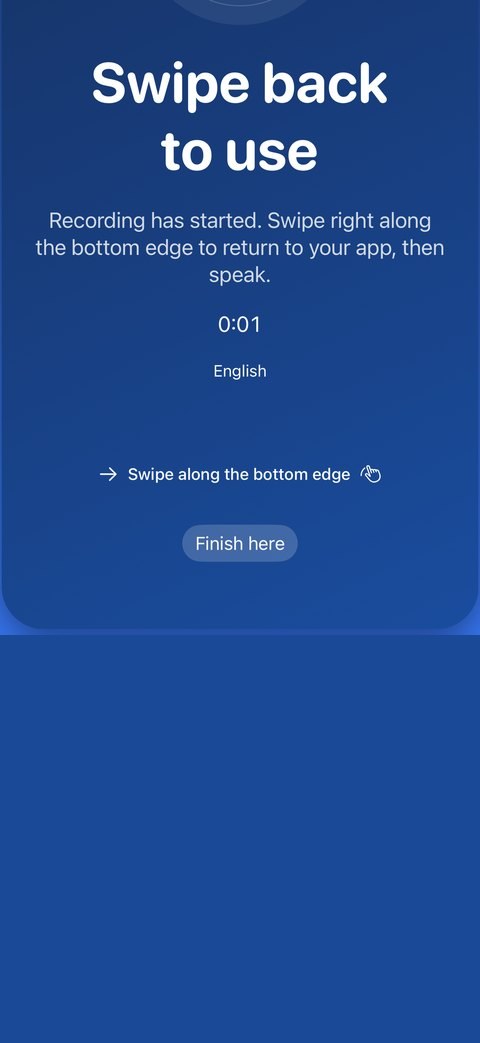
Tap Dictate and talk
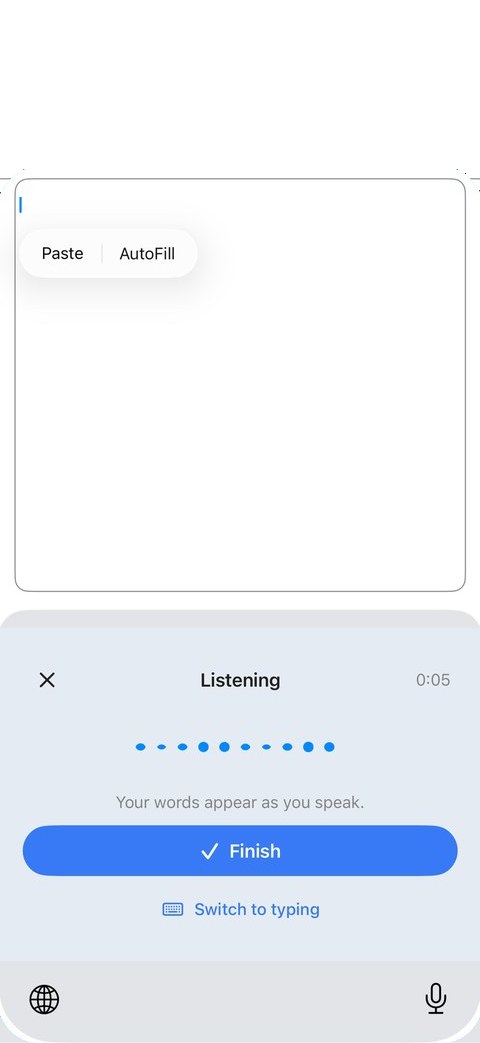
In any app, tap Dictate, swipe back to your app and speak. Your words appear as you talk. Tap Finish when you’re done.
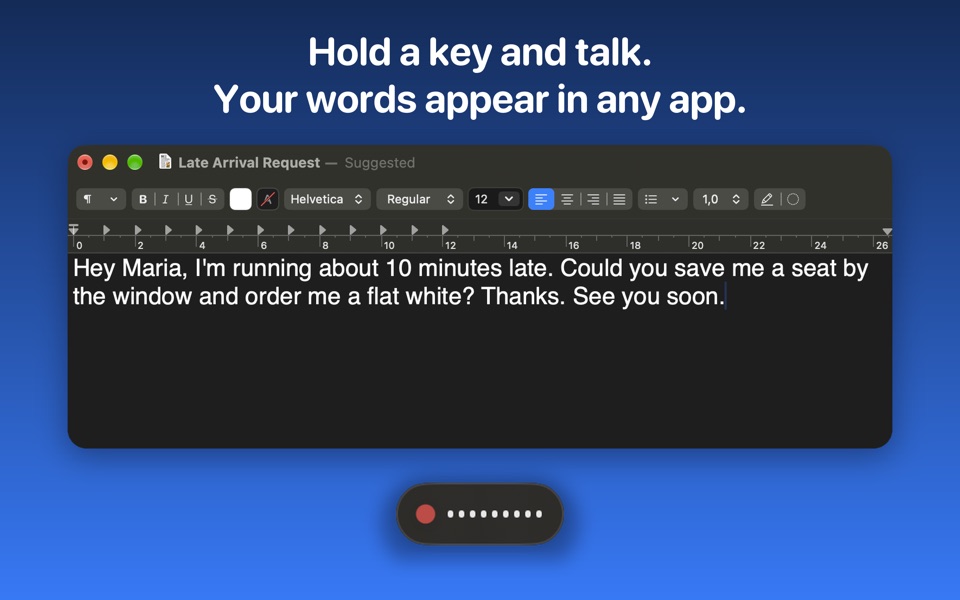
On a Mac, hold a key
Hold Right Option in any app, talk, and let go. Your words appear at your cursor. The setup window asks for three permissions: Microphone, Input Monitoring and Accessibility.
What you say stays yours
A dictation app hears everything you say. That’s why Local Dictation never sends any of it anywhere.
Runs on your device
The speech model is built into the app. Dictation works in airplane mode, and recordings are deleted as soon as they’re transcribed.
No account, no ads
No sign-in, no analytics, no ads and no tracking. We never see your recordings, your text or your history.
No internet of its own
The app blocks its own internet access. Only the App Store, for purchases, and optional Apple features you turn on yourself go online.
Before you install
Does it really work offline?
Yes. The speech models are built into the app (that’s why the download is about 700 MB), so dictation works in airplane mode and nothing you say is uploaded. Only purchases need a connection.
Which devices work?
iPhone and iPad with iOS 26 or iPadOS 26 or later, and Macs with Apple silicon and macOS 26 or later. It works best on iPhone 12 or newer, iPhone SE (3rd generation), iPad (10th generation or later), iPad Air (4th generation or later), iPad mini (6th generation or later) and iPad Pro (M1 or later). Older models may be slow, so try the free week first.
Do I need Allow Full Access?
For Dictate on the keyboard, yes. iOS only lets a keyboard open its app when Full Access is on. It only lets the keyboard and the app talk to each other on your iPhone or iPad: the keyboard has no internet code and never connects to the internet. Without Full Access the keyboard still types.
How does it work on a Mac?
The Mac app lives in the menu bar. Hold Right Option (or fn/Globe, or Right Command) in any app, talk, and let go: your words appear at your cursor. Clipboards in the menu bar keep what you copy; press ⌥⌘V to paste it again.
Which languages can I dictate in?
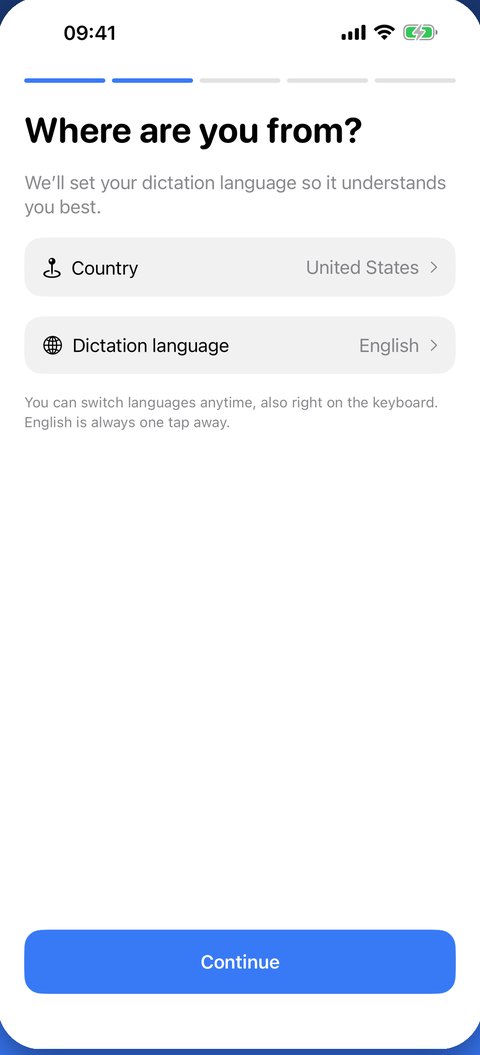
More than 90. The app sets your language from where you’re from, and you can change it any time. Mix languages (beta) lets you switch between your languages in one dictation, even mid-sentence.
Can it translate while I speak?
Yes, with Pro on iPhone and iPad: dictate in your language and get the text in another. Translation runs on your device. Extra translation models (including Slovenian and Croatian) are an optional one-time download from Apple, in Settings › Translate to.
What does it cost?
Typing on the keyboard is always free. Dictation needs Local Dictation Pro: Monthly with the first week free, or pay once for Lifetime. One purchase works on your iPhone, iPad and Mac. Prices vary by country, and the App Store shows yours before you buy.
Is my data private?
Yes. No account, no ads, no tracking, no servers. Your voice is turned into text on your device, and your recordings, text and history never reach us. Details in the Privacy Policy.
Free to type, free first week
Typing on the keyboard is always free. Dictation needs Local Dictation Pro: Monthly with the first week free, or pay once for Lifetime.
One purchase works on your iPhone, iPad and Mac. Monthly renews until you cancel; Lifetime is paid once. Prices vary by country, and the App Store shows yours before you buy.
Start talking
Get Local Dictation on your iPhone, iPad or Mac, set your language, and speak in any app.
iOS 26+ · macOS 26+ · No account, no ads